Intent before optimization. Always intent.
Someone is either searching to learn or searching to act. The page you build must match that intent or it will underperform regardless of how good the writing is.
The Fundamentals
User intent is binary. Someone is either searching to learn or searching to act. The page you build must match that intent or it will underperform. This is a core principle of content strategy.
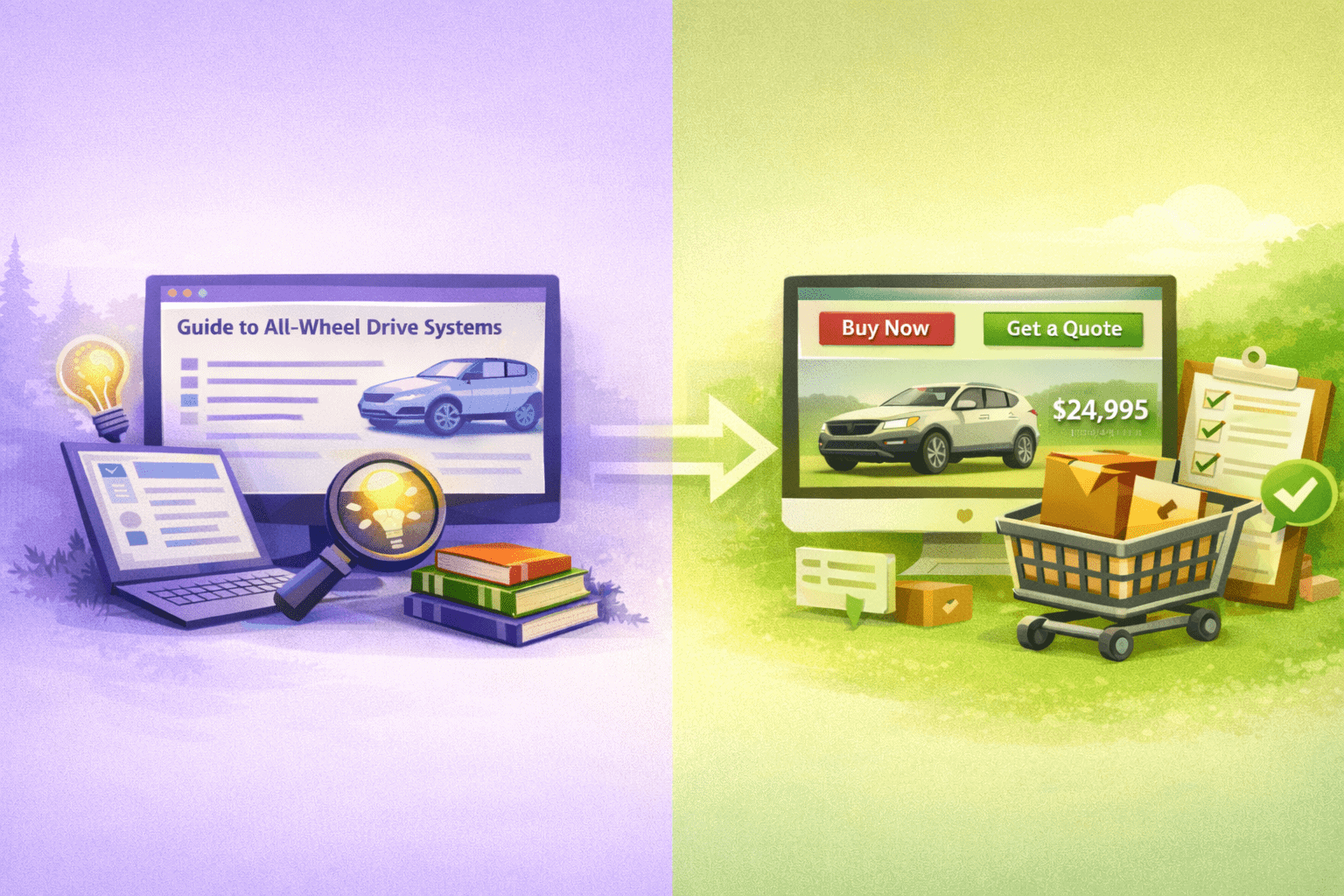
The user wants understanding. Your job is to educate comprehensively and earn trust so they return when ready to decide.
best SUVs for families
compact vs mini excavators
SEO vs SEM differences
The user wants to complete a task. They are ready to act. Your job is to reduce friction and provide clear next steps.
schedule test drive
Cat 320 price quote
content strategy packages
When you mismatch page type to intent, you create friction. Informational users bounce from sales pages. Transactional users abandon education content. Google sees the poor engagement and stops sending traffic.
How Modern Search Changed These Page Types
AI Overviews and answer-first search have fundamentally changed what informational and transactional pages need to accomplish.
Informational pages now compete with instant answers
Search results increasingly answer basic questions directly inside the SERP. AI Overviews, featured snippets, and knowledge panels resolve early understanding before a click happens.
The role of informational content has shifted. Instead of being the first answer, effective content now becomes the next step. Your page must help users move from understanding to application or decision.
Transactional pages must confirm, not convince
Modern search surfaces product details, pricing, and availability before users click. Transactional pages fail when they assume users need convincing instead of reassurance.
The page should answer: Is this the right option for my situation? Can I trust this business? What happens after I act?
Intent transitions matter more than ever
Modern search systems track how users move between informational and transactional queries. Misaligned intent transitions kill your content’s path to decision. Your site architecture must support natural intent progression.
Core Structural Differences
These are not stylistic choices. They are architectural requirements. Get the structure wrong and your content will not perform regardless of how good the writing is.
| Element | Informational Page | Transactional Page |
|---|---|---|
| Primary Goal | Answer questions completely | Drive decision and capture intent |
| Content Depth | Comprehensive, multi-angle | Focused, decision-oriented |
| CTA Placement | Minimal, low-pressure, bottom of page | Prominent, repeated, above fold |
| CTA Language | Learn more, explore, read the guide | Get started, buy now, sign up free |
| Navigation | Link to related learning content | Link to product pages and pricing |
| Proof Elements | Citations, studies, expert quotes | Customer logos, testimonials, guarantees |
| Visuals | Explanatory diagrams and screenshots | Product shots and social proof |
Visual Page Structure Comparisons
Same topic. Different intent. Completely different page architecture. These mockups show you exactly what each page type looks like in practice.
Auto Industry: Family SUV Landing Pages
Informational Page Example
Safety ratings that actually matter
Top 8 family SUVs compared
How to decide: new vs used
Toyota Highlander: Best resale value
Kia Telluride: Best tech features
[5 more with pros, cons, best for scenarios]
Transactional Page Example
8 passenger seating (captain chairs available)
22 city / 28 highway MPG
Honda Sensing suite standard
EX-L: Starting at $47,500
TrailSport: Starting at $50,000
Elite: Starting at $54,000
— Sarah M., Portland
The informational page is organized around user questions and education. No CTAs until the bottom. Comprehensive, multi-angle coverage. The transactional page leads with value prop and pricing. Multiple CTAs. Assumes understanding already exists. One teaches. The other confirms and converts.
Heavy Equipment: Excavator Landing Pages
Informational Page Example
Dig depth capabilities
Reach specifications
Transport requirements
[Visual diagram comparing sizes]
Compact: commercial excavation, foundation work, larger trenching
[Real project examples for each]
Transactional Page Example
Dig depth: 10-14 feet
Reach: 16-20 feet
Bucket sizes: 12″, 18″, 24″ included
Weekly: $1,800 (40 hours included)
Monthly: $5,500 (160 hours included)
Delivery: $150 flat rate
3 bucket sizes
Operator manual
24/7 support line
Certified maintenance records
— Mike T., General Contractor
SEO Services: Content Strategy Landing Pages
Informational Page Example
Topical authority: building depth over breadth
Internal linking: connecting pages logically
Content architecture: organizing for users and systems
Inconsistent rankings
Content cannibalization
Scaling challenges
Post-algorithm drops
Map user journeys from learning to decision
Build pillar-cluster structure
Create measurement framework
Iterate based on performance
Intent alignment framework →
Internal linking strategy guide →
Transactional Page Example
Intent mapping for your target queries
Pillar page strategy and implementation plan
Internal linking architecture
Performance tracking framework
Content teams scaling without systems
Post-algorithm traffic recovery
Enterprise content migrations
Competitive visibility gaps
— Director of Marketing, B2B SaaS
Bad vs Good Versions
Most broken pages fail because they apply transactional tactics to informational queries or bury conversion elements on transactional pages. Here is what that looks like in practice.
Informational Page Comparison
Query: how does hydraulic excavator work
This page tries to sell before answering the question. Heavy sales language. Equipment pitch in first paragraph. Multiple CTAs before any real education.
Intro: Our fleet makes excavation easy. Call now for same-day delivery.
[CTA: Get Quote]
Brief hydraulics explanation (150 words)
[Another CTA]
Why rent from us section
Pricing table
Result: User bounces. They wanted learning content, not a rental page.
Query: how does hydraulic excavator work
This page answers the question completely. No product pitch. Comprehensive guide. Educational focus. Soft CTA at the end only.
Intro: Hydraulic excavators use fluid pressure to power movement. Here is how the system works.
Core components explained (400 words)
How hydraulic systems generate force (300 words)
Types of hydraulic excavators (300 words)
Maintenance and common issues (200 words)
[Soft CTA: Need an excavator? See our rental fleet]
Result: User gets value, bookmarks page, returns when ready to rent.
Transactional Page Comparison
Query: SEO audit service pricing
This page buries the pricing. Long educational content. Weak CTAs. User has to scroll forever to find what they came for.
What is an SEO audit (500 words)
Benefits of SEO audits (400 words)
How to choose an audit service (600 words)
Finally: pricing table at bottom
Weak CTA: Learn more
Result: User leaves to find pricing elsewhere. You lost a ready buyer.
Query: SEO audit service pricing
This page shows pricing immediately. Clear packages. Direct CTAs. Removes friction. Objection handling where needed.
One line: Choose the audit level that fits your site
Pricing table above fold (Basic, Advanced, Enterprise)
[CTA: Request Audit]
What is included in each package
FAQ addressing price objections
Client results and testimonials
[Final CTA: Get Started]
Result: User finds what they need instantly. Clear path to conversion.
How to Diagnose Intent Mismatch
Your analytics will tell you when a page is misaligned. Watch for these specific signals.
High Bounce, Low Engagement
Users land and leave immediately. Time on page under 30 seconds. Scroll depth under 25%. You built a sales page for a learning query.
High Engagement, No Conversions
Users read the whole page but do not click CTAs. Time on page is high but form fills are zero. You built an educational page for a ready buyer.
Traffic Decline After Initial Ranking
You ranked well initially but traffic drops over weeks. Google tested your page and user behavior signals showed misalignment. Intent mismatch confirmed.
Wrong Pages Ranking for Target Keywords
Your transactional page ranks for informational queries or vice versa. Google is guessing because your page signals are confused. Cannibalization likely.
Users Immediately Navigate Away
Heat maps show users clicking back to search results or site navigation within seconds. They landed expecting one thing and got another.
Competitor Pages Outrank You
Competitors with worse content rank higher. Look at their page type. If they matched intent better than you, that is why they win.
Step one: pull GA4 data for the page. Look at bounce rate, engagement time, scroll depth, and conversion rate. Step two: search the target keyword and examine what type of pages actually rank. Step three: compare your page structure to ranking pages. If you see mismatch, rebuild the page with correct intent architecture.
Build Checklists
Use these checklists when creating new pages or auditing existing ones. Every item matters.
Informational Page Checklist
- H1 answers the query directly (what, how, why format)
- Introduction explains what the user will learn
- Content covers topic comprehensively with multiple angles
- Subheadings are questions the user is asking
- Examples and screenshots support explanations
- No product pitch in first 80% of content
- External links to authoritative sources where relevant
- Internal links to related educational content
- Optional soft CTA at bottom (guide, tool, related resource)
- No popups or aggressive conversion tactics
- Table of contents for long guides
- Conclusion summarizes key takeaways
Transactional Page Checklist
- Clear value proposition above fold
- Primary CTA visible without scrolling
- 3 to 5 key features or benefits with outcomes
- Pricing information easily accessible (on page or one click away)
- Social proof (logos, testimonials, case study snippets)
- Trust signals (guarantees, security badges, certifications)
- Objection handling via FAQ or feature details
- Comparison to alternatives if relevant to query
- Multiple CTAs throughout page (hero, mid-page, bottom)
- CTA language is action-oriented (start, try, buy, get)
- Mobile-optimized CTA placement and form design
- No educational tangents or unnecessary context
When Blended Intent Actually Works
Some queries have mixed intent. A percentage of users want to learn and a percentage want to buy. You can serve both without breaking the page if you structure it correctly.
You see blended intent when:
- SERP shows mix of guides and product pages
- Query includes comparison words (best, top, vs)
- Users are in evaluation phase (researching but ready to act soon)
- Query implies decision fatigue (too many options)
skid steer vs compact track loader
top SEO tools for agencies
The approach:
- Lead with educational content (satisfy informational users first)
- Include comparison framework or decision criteria
- Transition naturally into product recommendations
- Each recommendation has mini product page structure
- Clear CTAs on each product but not aggressive
- Conclusion offers next step for both user types
Introduction defines the category and explains what to look for. Criteria section helps users understand how to evaluate options. Recommendations section covers 5 to 10 options with pros, cons, pricing, and best use case for each. Each option gets a direct CTA. Conclusion summarizes and offers two paths: more research (link to guide) or ready to decide (link to top pick).
When blended intent fails
Do not force blended structure on pure informational or pure transactional queries. If the SERP is all guides, build a guide. If the SERP is all product pages, build a product page. Blended only works when Google itself is showing mixed results and user intent genuinely splits.
Test by looking at your own bounce and conversion data. If informational users bounce and transactional users do not convert, your blend is broken. Split into two separate pages.
Get Found. Get Understood. Get Chosen.
Intent misalignment is a systems problem. When pages do not match search behavior, content overlaps, or structure confuses both users and search engines, visibility breaks down. I help websites build SEO systems that make it easy to get found in search, clearly communicate what you offer, and stand out when people are deciding.
See My SEO Systems Approach